
How to Add a Resource to Balance4Coaches?
You can add your own coaching resources to Balance4Coaches to be used in designing your coaching processes
Your coaching dashboard
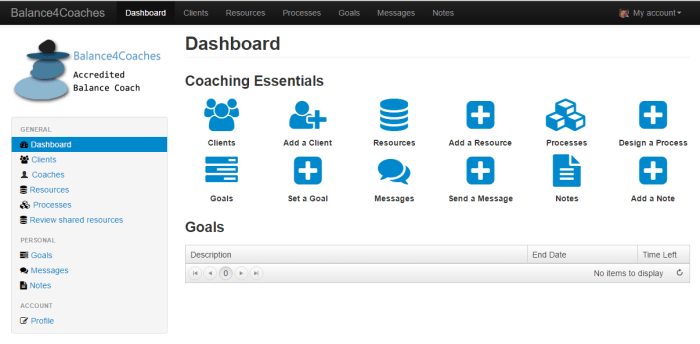
Go to Resources by clicking this icon

The ‘Resources’ page will open. Balance4Coaches is already populated with many high quality resources
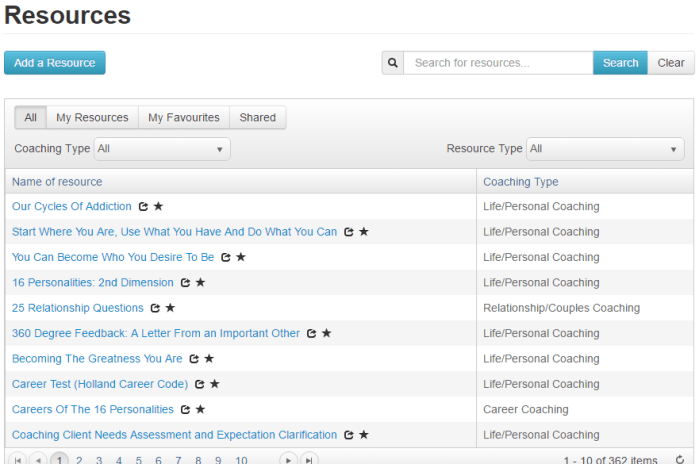
In the ‘Resources’ page, click on the ‘Add a Resource’ button

Complete the resources window and click ‘Save’
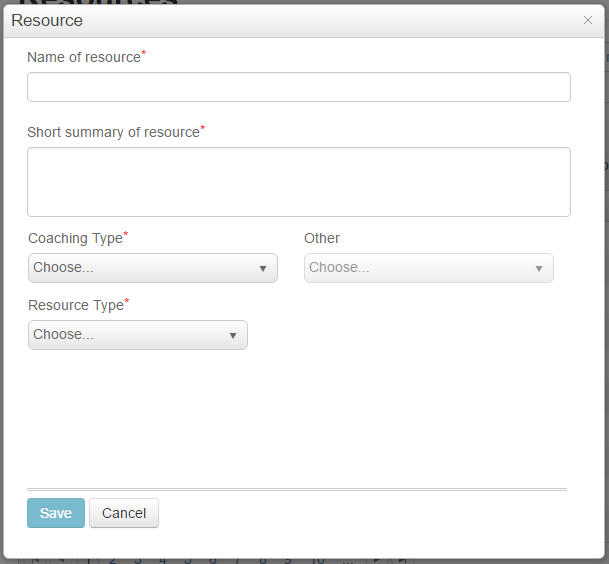
You can now use your resource when you design your coaching processes
 dustconsulting.co.za